Manuscript & prompt
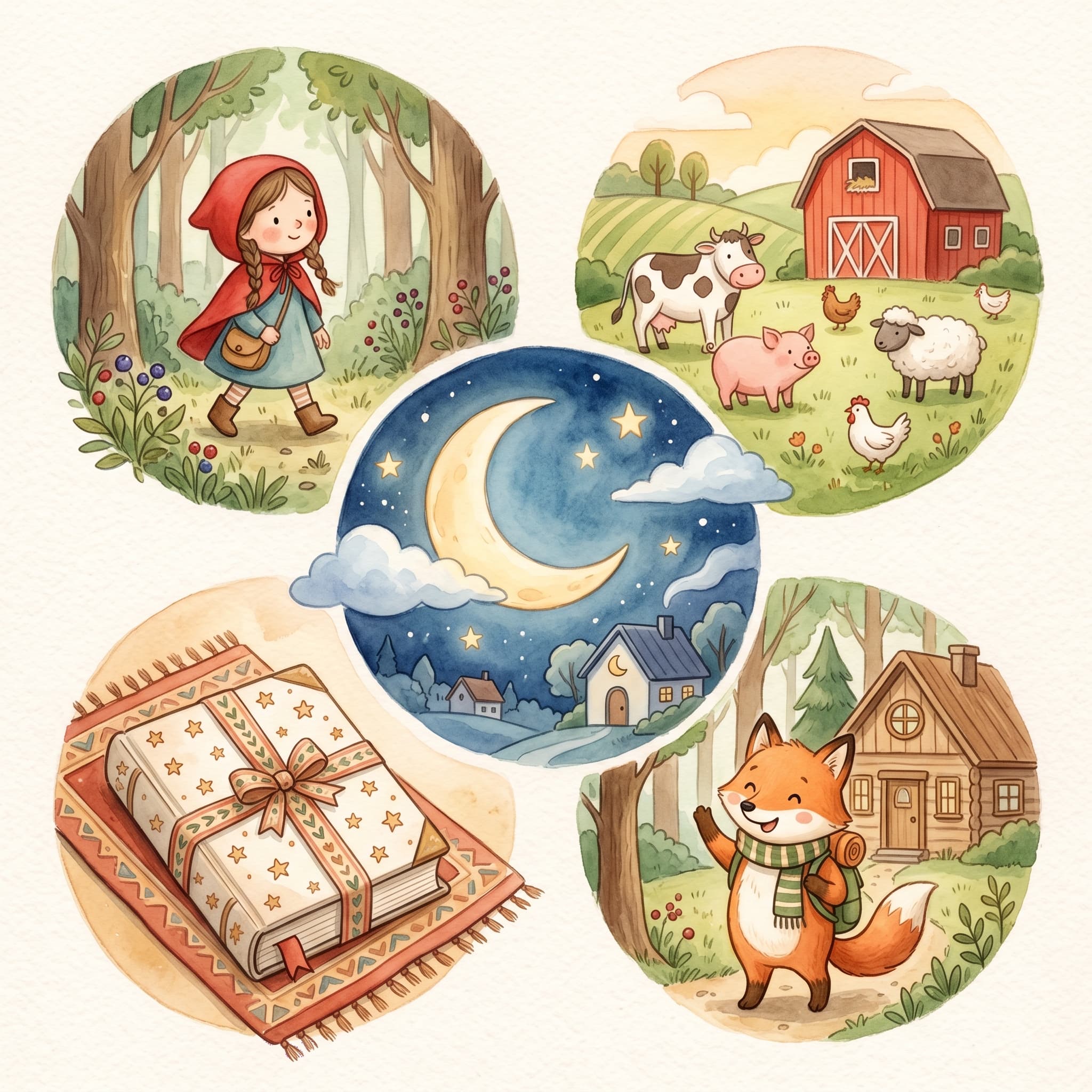
From your own idea to classics, templates, gifts and reused characters – five ways to create books.
Barnbok.ai is not just "write a story from scratch". The platform offers several entry points depending on how much time you have and how creative you want to be.
"The same child can be the hero of a classic, a cozy bedtime story and a completely original adventure – you just switch the entry point."
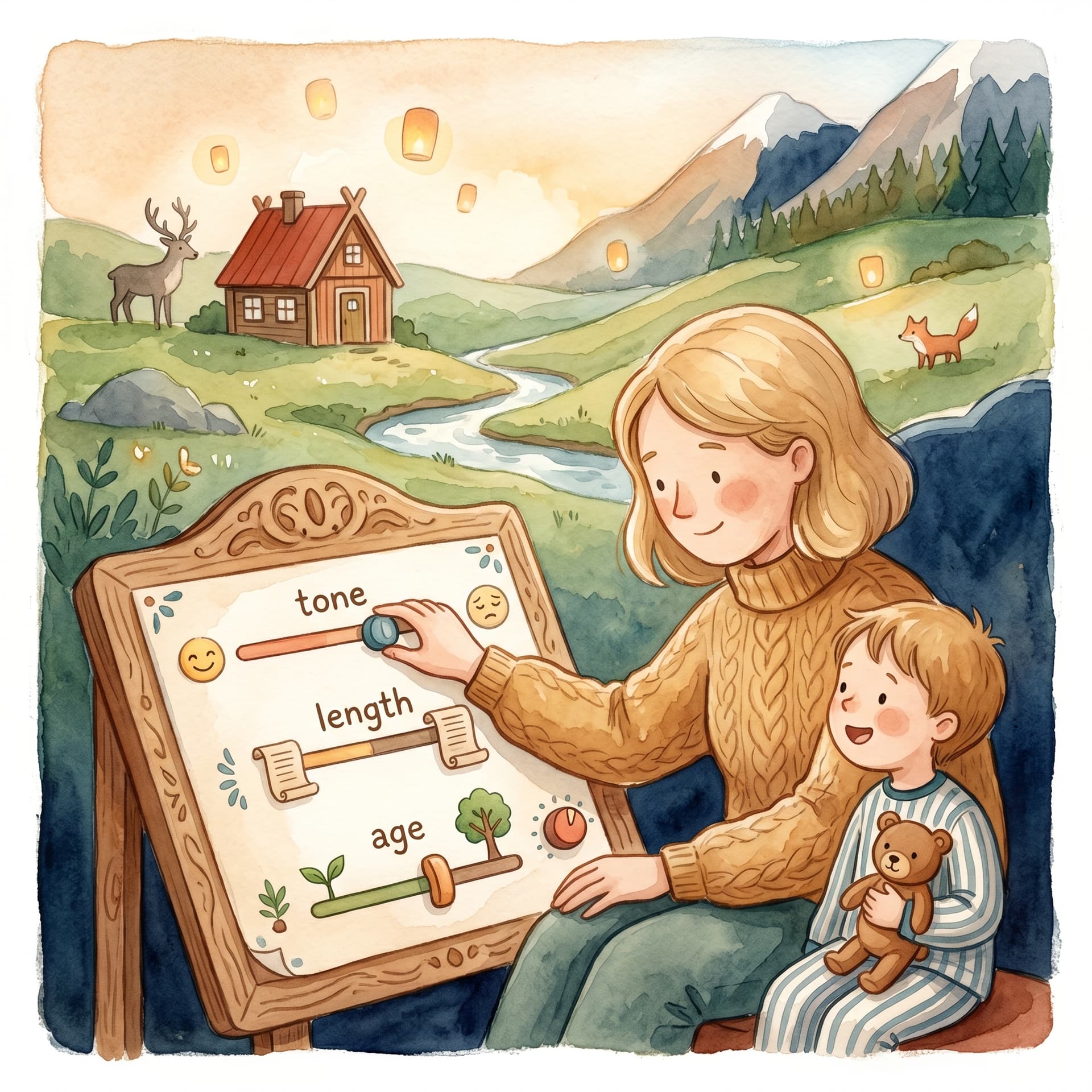
The freeform path on Create → Own idea: cast characters (AI, your own image or a saved one), describe the story, choose reading age and tone — AI writes the manuscript. A photo is optional per character. Perfect when the child wants to be a pirate, an astronaut or a farm animal keeper.
Choose Classics under Create – Little Red Riding Hood, Cinderella or Three Billy Goats Gruff. The manuscript is already there; you just cast the child with a name and photo. Fast and familiar.
Under Template you will find ready-made stories such as Cows Out on the Farm and Goodnight. The same cast flow as classics – ideal when you want a finished tale without inventing the premise yourself.
Create the book, illustrate every page and download the PDF. Print at home or save it digitally – a unique present for a birthday, Christmas or "just because".
When you have illustrated a character, it is saved under Profile → Saved characters. The next time you create a book, the character is suggested when name and style match — or pick it under Saved character. You can change the story name per book without losing the illustration.
Whether you want full creative freedom or a quick classic with your child as the star, there is an entry point that fits. Try different approaches – the characters travel with you between books.
Fler guider om personliga barnböcker, manus och illustrationer.
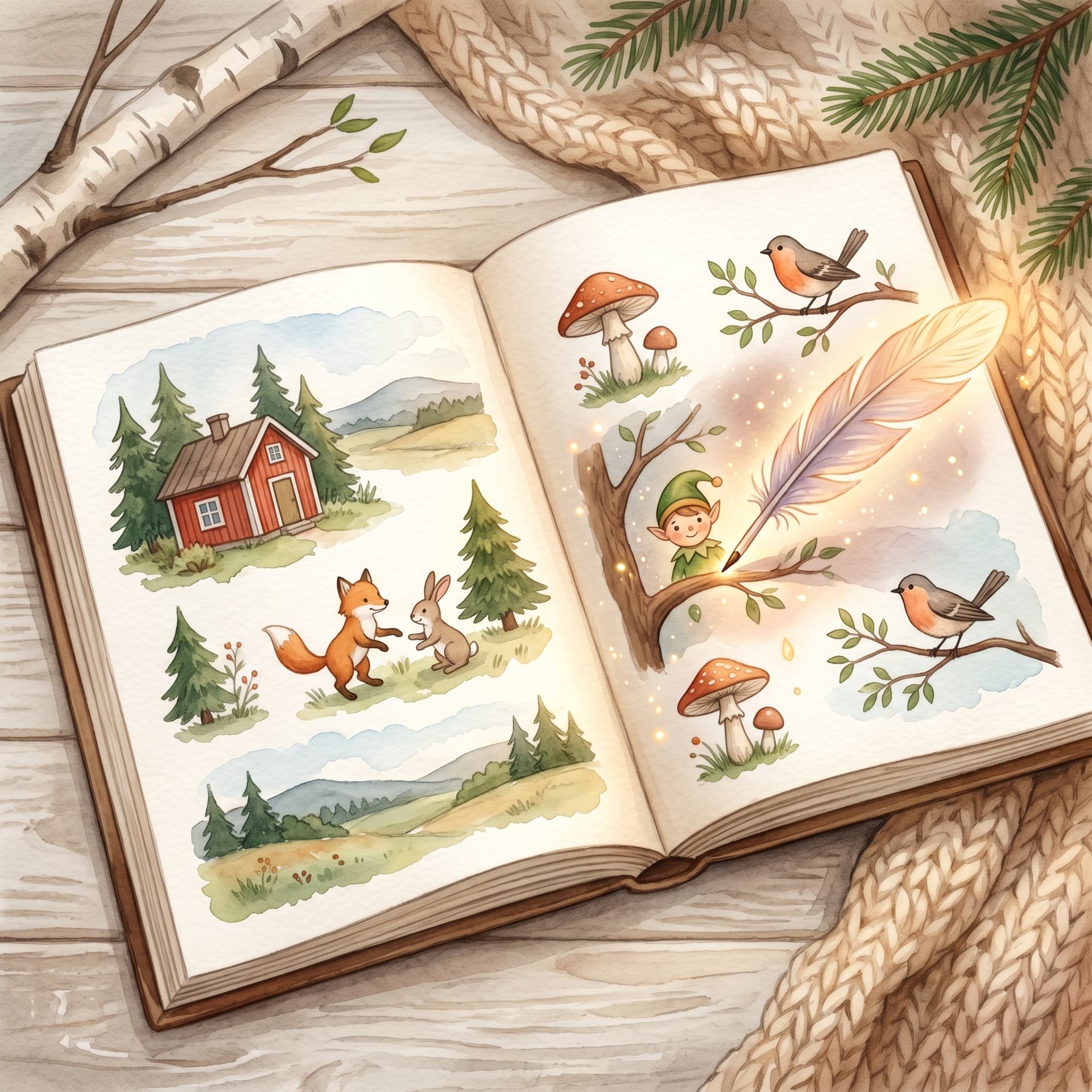

Upload a photo, create the first story and carry on with a cover, illustrations and a preview of the printed book.