
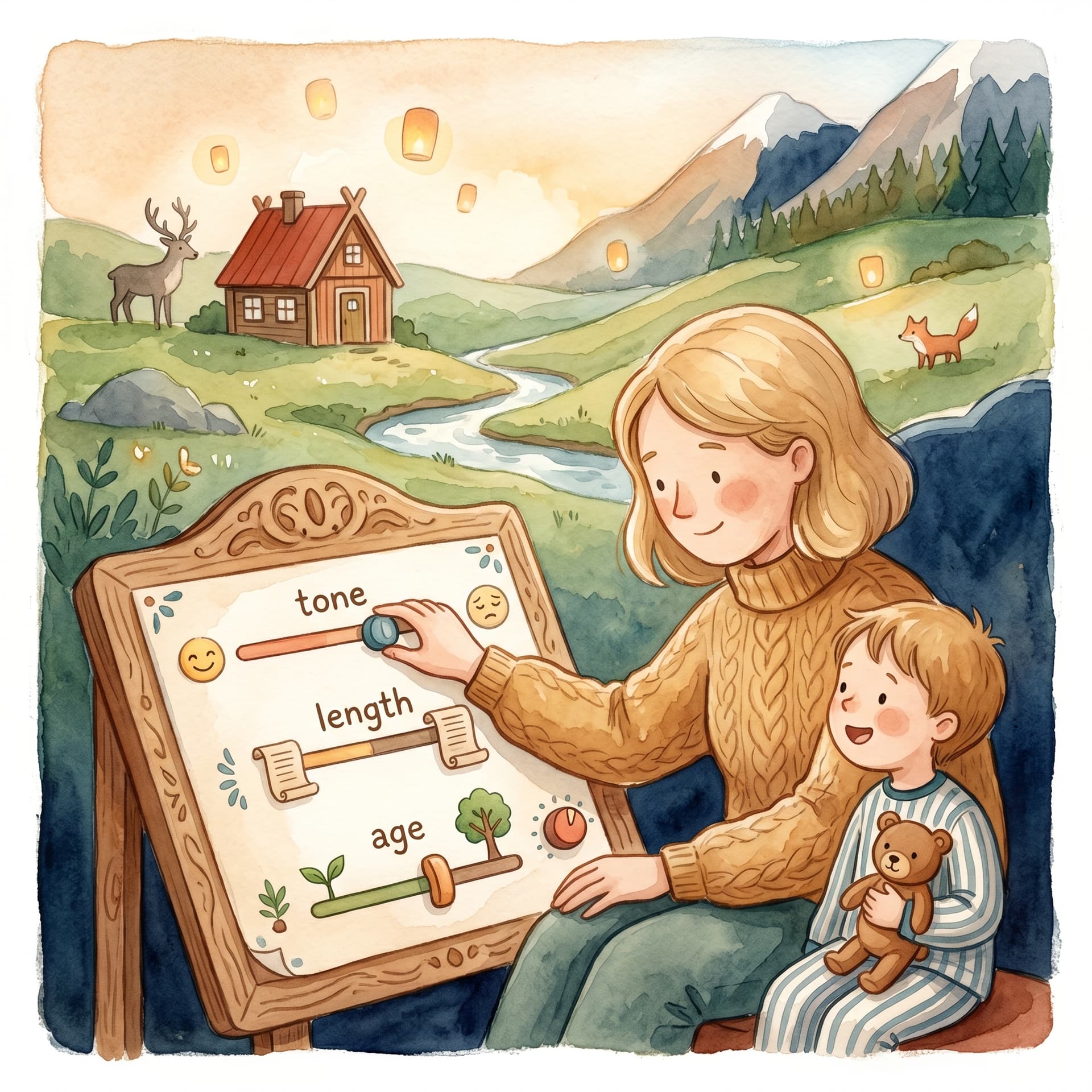
Käsikirjoitus ja kehote
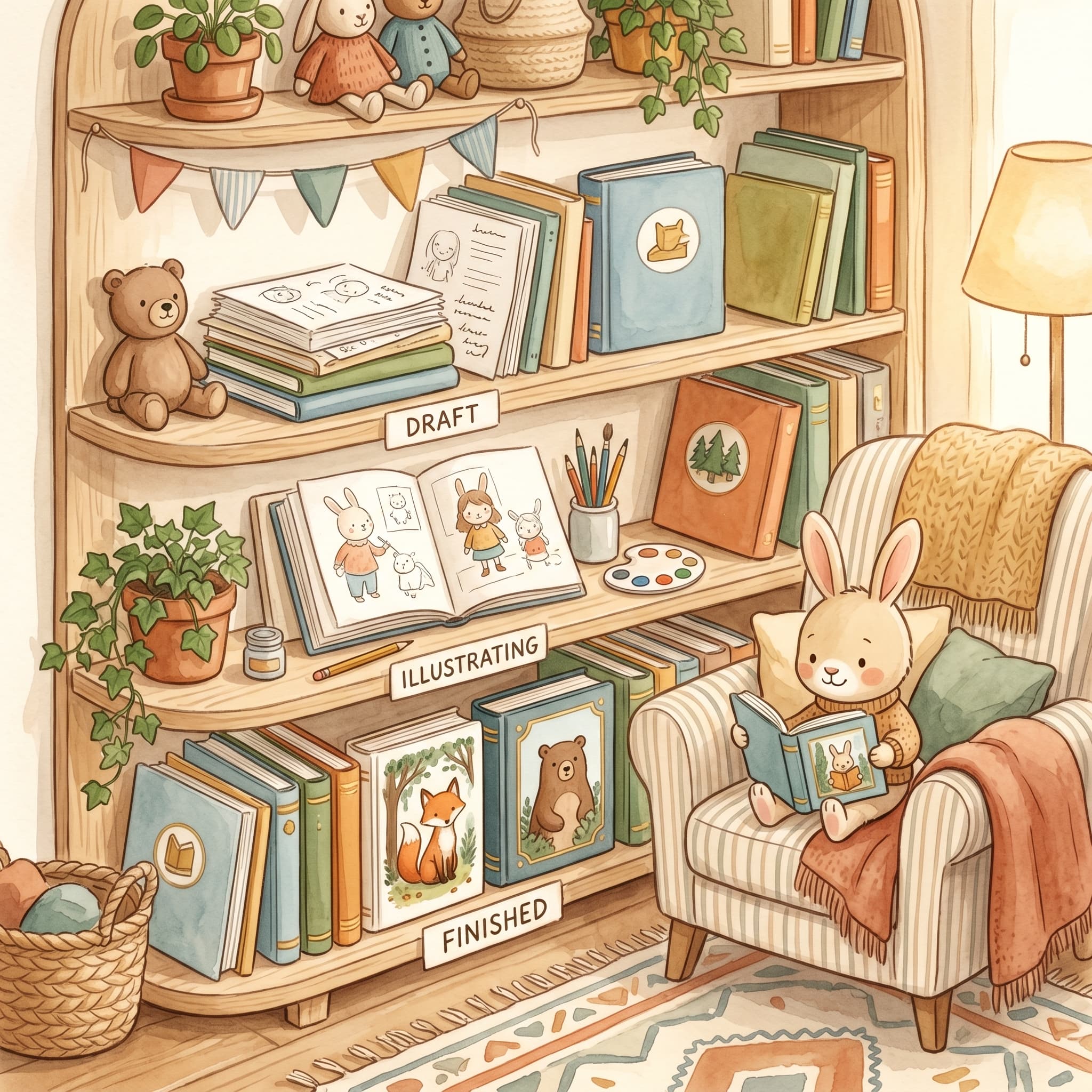
Suodata luonnoksia, seuraa kuvituksia taustalla ja jatka siitä, mihin jäit.
Kun olet kirjautunut sisään, kaikki kirjat tallentuvat Kirjastoon (/library). Sinne kertyvät luonnokset, käynnissä olevat kuvitukset ja valmiit PDF:t – voit keskeyttää sadun ja jatkaa viikkoja myöhemmin.
”Lastenkirjaa ei tarvitse luoda yhdessä illassa. Kirjasto pitää luonnoksen lämpimänä, kunnes olet valmis kuvittamaan uudelleen.”
Järjestä kirjat tilan mukaan:
Hae otsikolla, lapsen nimellä tai teemalla, niin löydät oikean kirjan nopeasti.
Napsauta Jatka kirjassa – sinut ohjataan oikeaan vaiheeseen polussa /flow:
Käynnistitkö Kuvita puuttuvat kuvat ja suljit välilehden? Työ jatkuu. Kirjasto näyttää edistymisen, ja saat ilmoituksen, kun kirja on valmis tai jos jokin meni pieleen (requestId mukana).
Haluatko siivota? Poista poistaa kirjan kirjastosta. Käytä sitä luonnoksiin, joita et enää halua säilyttää.
Kirjasto on kaikkien satujesi keskus – ensimmäisestä ideasta valmiiseen PDF:ään. Suodata, hae, jatka ja seuraa kuvituksia, vaikka kulku ei olisi auki.
Fler guider om personliga barnböcker, manus och illustrationer.

Lataa kuva, luo ensimmäinen satu ja jatka kanteen, kuvituksiin ja painetun kirjan esikatseluun.