
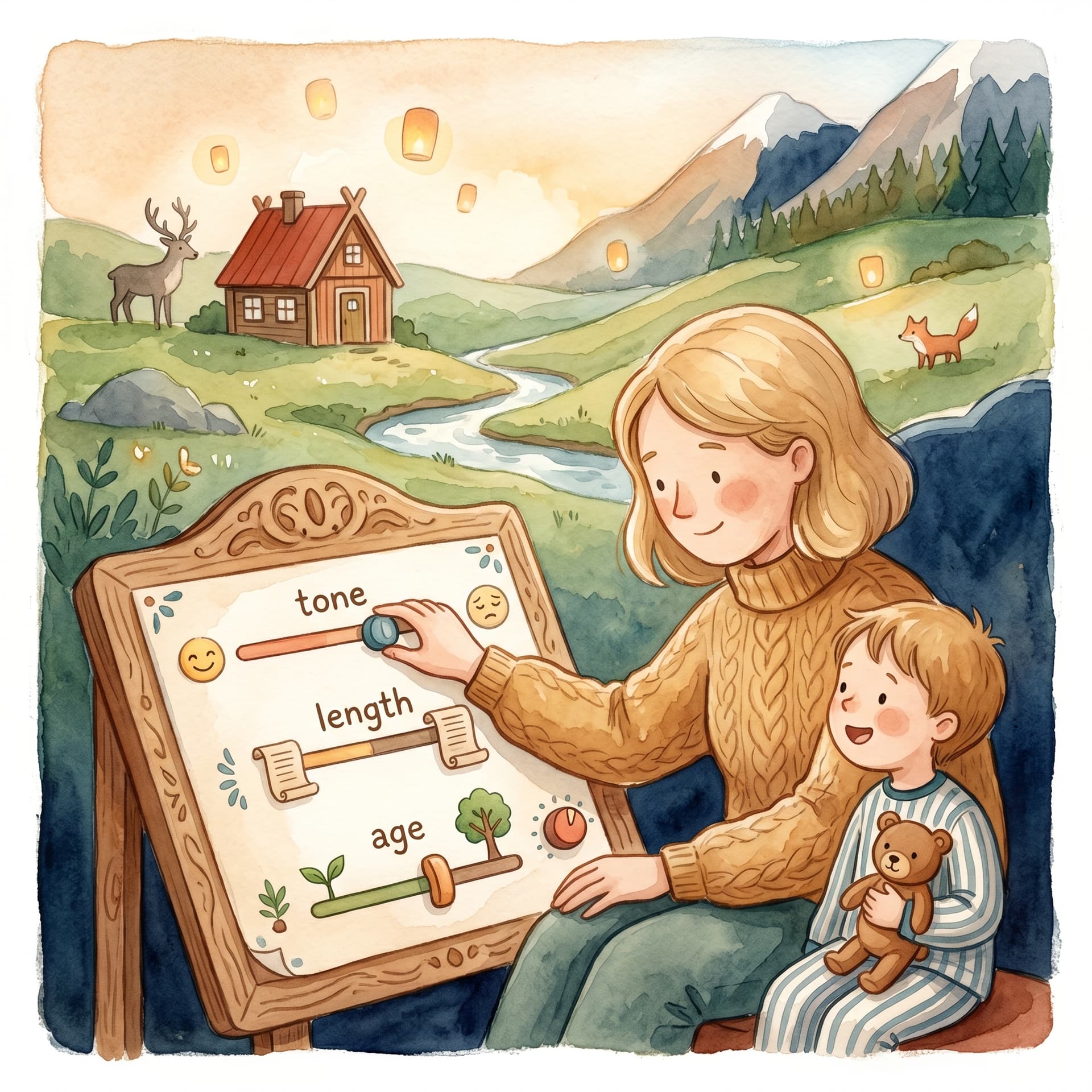
Manuscript & prompt
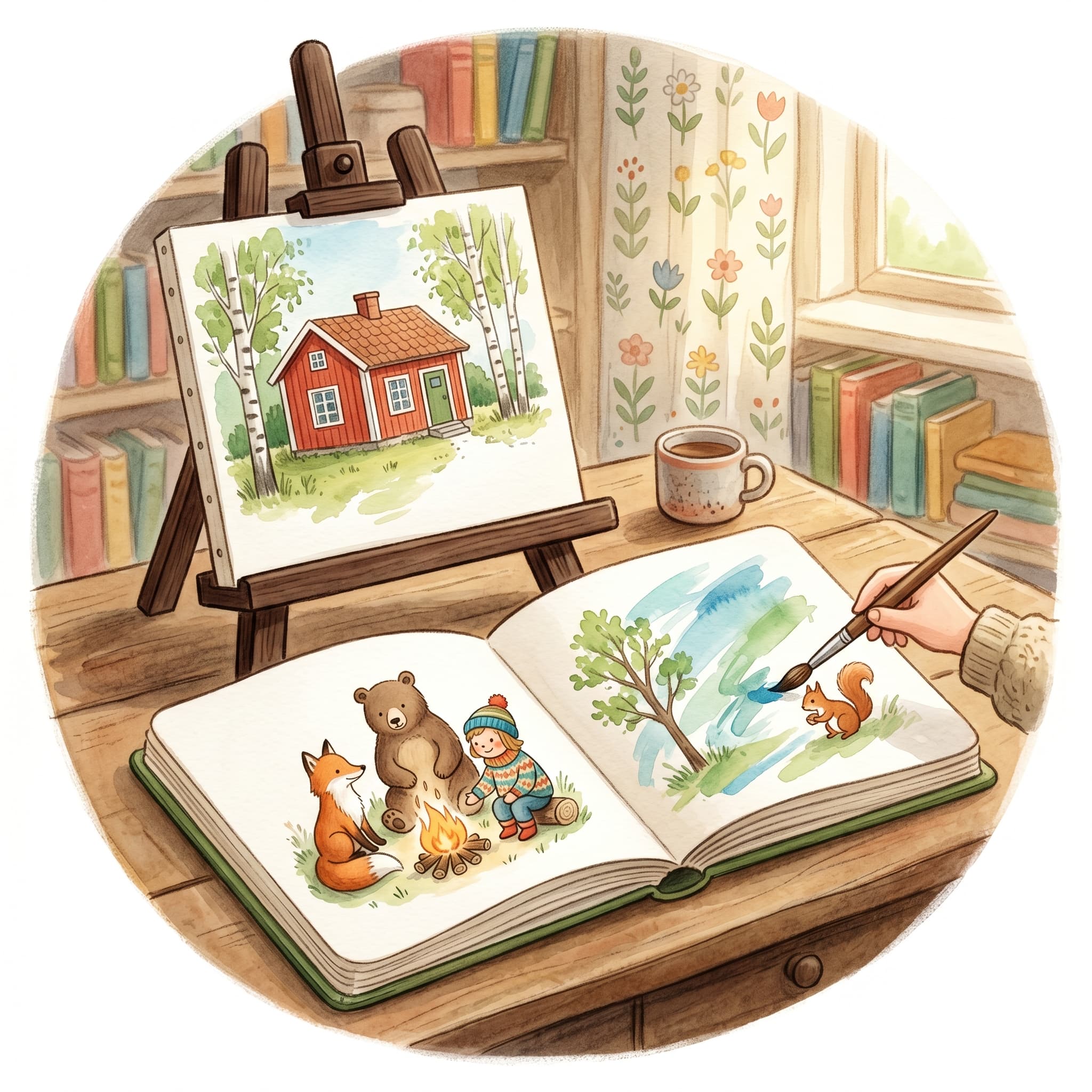
How to re-illustrate a page, the cover or the whole book – every change is included in the book's fixed price.
Sometimes the manuscript is right but the image is not – or the other way around after a text change. Barnbok.ai lets you regenerate illustrations at several levels without starting the whole book from scratch.
"Re-illustrating is not a mistake – it is a way to fine-tune until every page feels like your story."
In the illustration step, click Re-illustrate on the current page. The old image is removed and a new one is generated from the page text and character references. Use it when:
The cover has its own button – Illustrate cover or Re-illustrate if one already exists. A new cover is included in the book's fixed price, just like a redone page, and costs nothing.
The Illustrate missing images (N) button generates cover and pages that lack an illustration in one sweep. Perfect the first time, or after you have removed several images.
Want a visual restart? Re-illustrate the whole book removes all page and cover images and generates new ones. It is included in the book's fixed price and costs nothing, but the old images are replaced, so you are asked to confirm before it starts.
Character portraits are normally not affected, so the figures stay consistent.
You can also remove a cover or page image without replacing it right away – useful if you want to pause or regenerate later.
Large batches run in the background. You see progress (e.g. 3/9) and can cancel if you change your mind. If you leave the page, the job continues – check the library or notifications for status.
From a single page to the whole book – you decide the scope. Start with individual pages when you are fine-tuning, and save "re-illustrate the whole book" for when you have changed style or want a unified new look.
Fler guider om personliga barnböcker, manus och illustrationer.

Upload a photo, create the first story and carry on with a cover, illustrations and a preview of the printed book.