Manuscript & prompt
What you can do for free without an account, when sign-in is required and how story tokens work.
Barnbok.ai lets you explore the flow without an account. You can upload images, get analysis, adjust the premise and even read and edit a manuscript – perfect for seeing whether the idea works.
"Write the story first, sign in when you are ready to save and illustrate."
The UI clearly shows "Log in to illustrate" when you reach that limit.
The story, the manuscript and drafts are free. Story tokens (bt) are only used when the book is illustrated:
The PDF is included at no extra cost once the book is fully illustrated.
Create an account when the manuscript feels right and you want to:
You do not need to register to test the idea. Sign in once the story lands – then you get saving, illustration, PDF and saved characters that travel with you to the next book.
Fler guider om personliga barnböcker, manus och illustrationer.
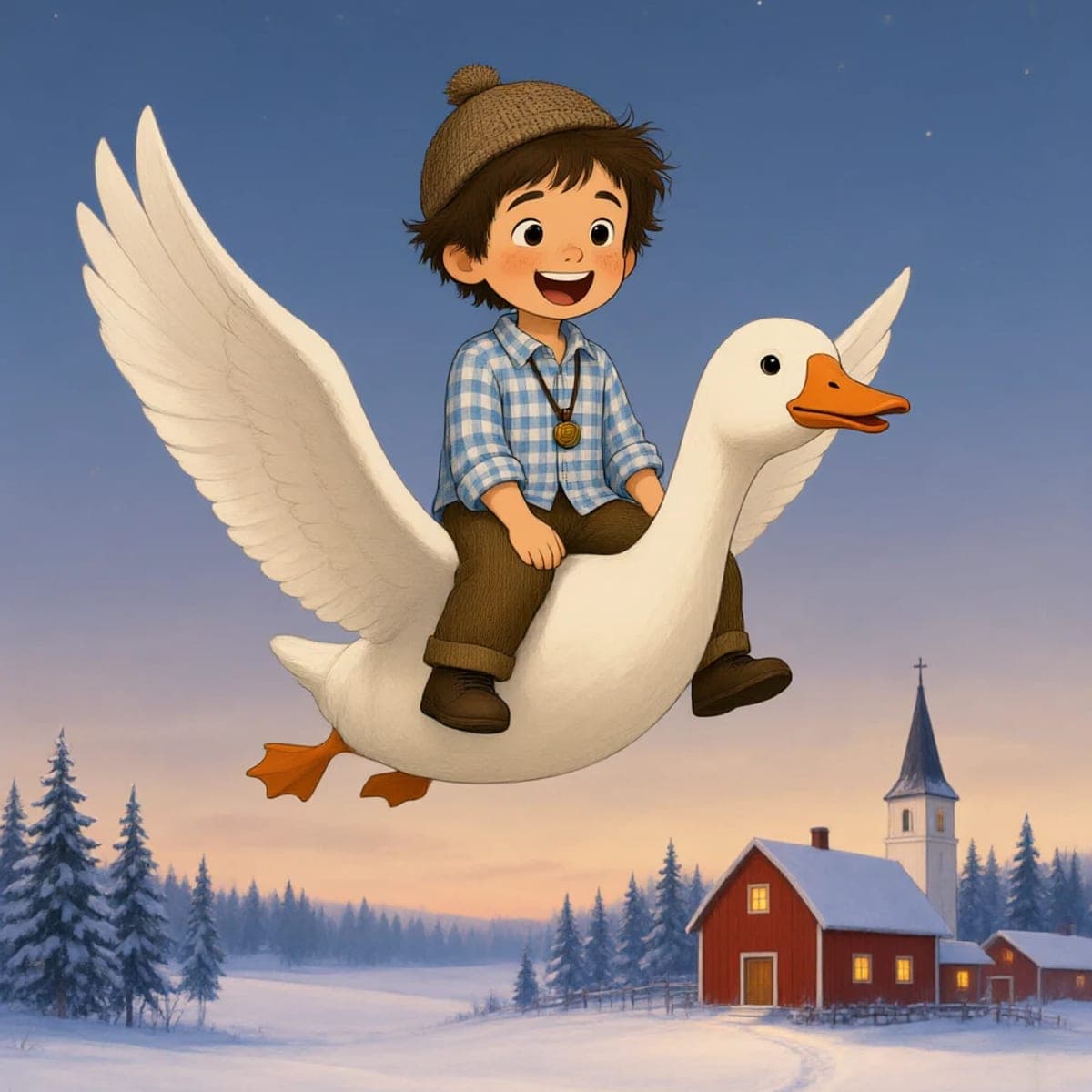

Upload a photo, create the first story and carry on with a cover, illustrations and a preview of the printed book.