Manuscript & prompt
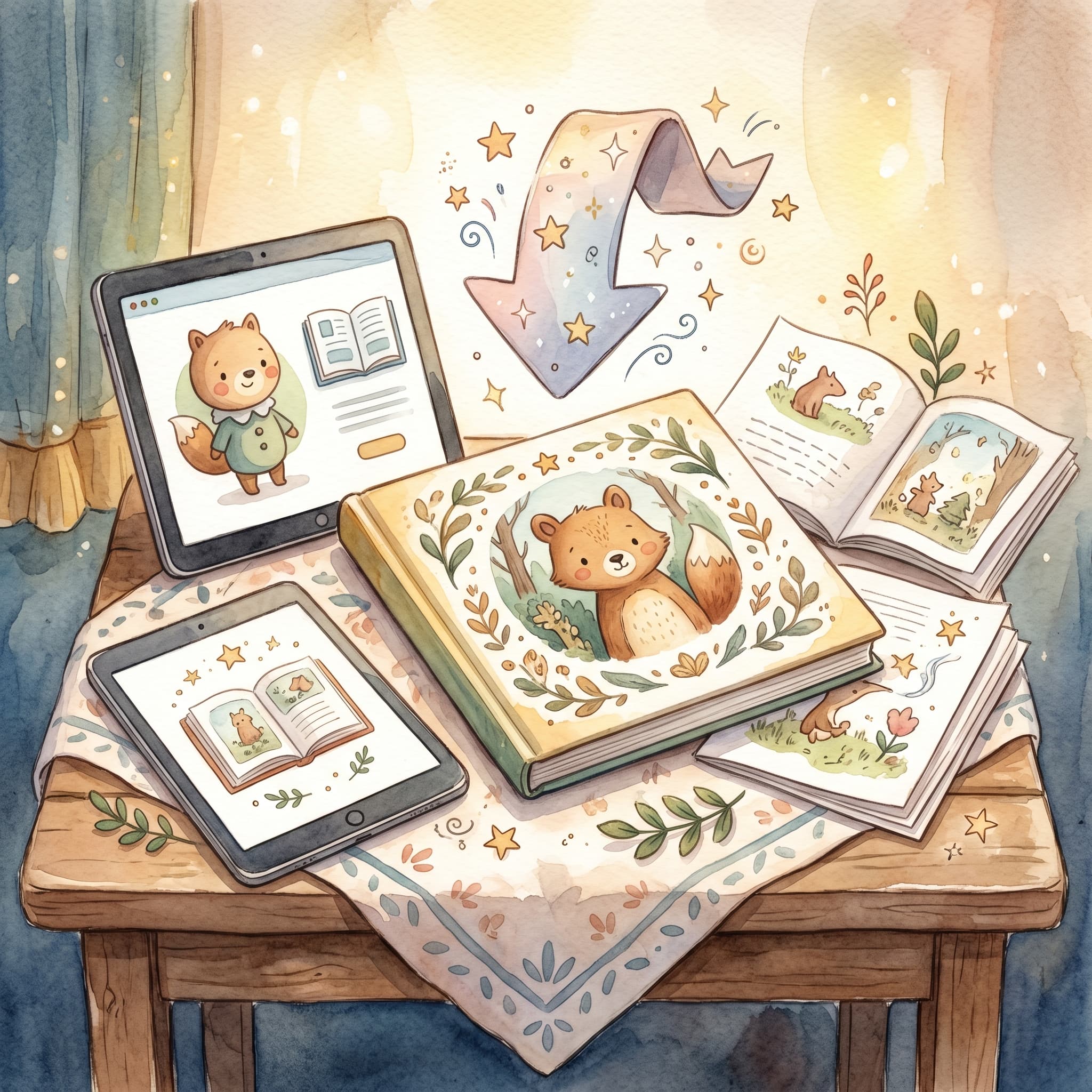
PDF requirements, format, where the button is and what you can do with the file at home.
The PDF button becomes available when the book is 100% illustrated – that means the cover and every page must have an image. A finished manuscript is not enough; the images are part of the finished product.
"The PDF is the finished children's book – think of the illustrations as the last step before you can take it home."
Download PDF appears in two places:
/flow – when the last image is readyThe button stays inactive until every image is there. The UI shows what is missing.
The PDF is generated in a square children's-book format – 210×210 mm – optimized for printing as a classic children's-book page, not A4.
The download goes through GET /api/books/pdf?bookId=... and requires you to be signed in. No extra bt cost – the PDF is included once the book is fully illustrated.
When the last illustration lands, an email notification ("Book ready") is sent if you have notifications enabled. Then you know the PDF is waiting in the library.
Download not working?
The PDF is the end goal – a real children's book with text and images. Finish illustrating, click download and take the story home to a printer, tablet or print shop.
Fler guider om personliga barnböcker, manus och illustrationer.
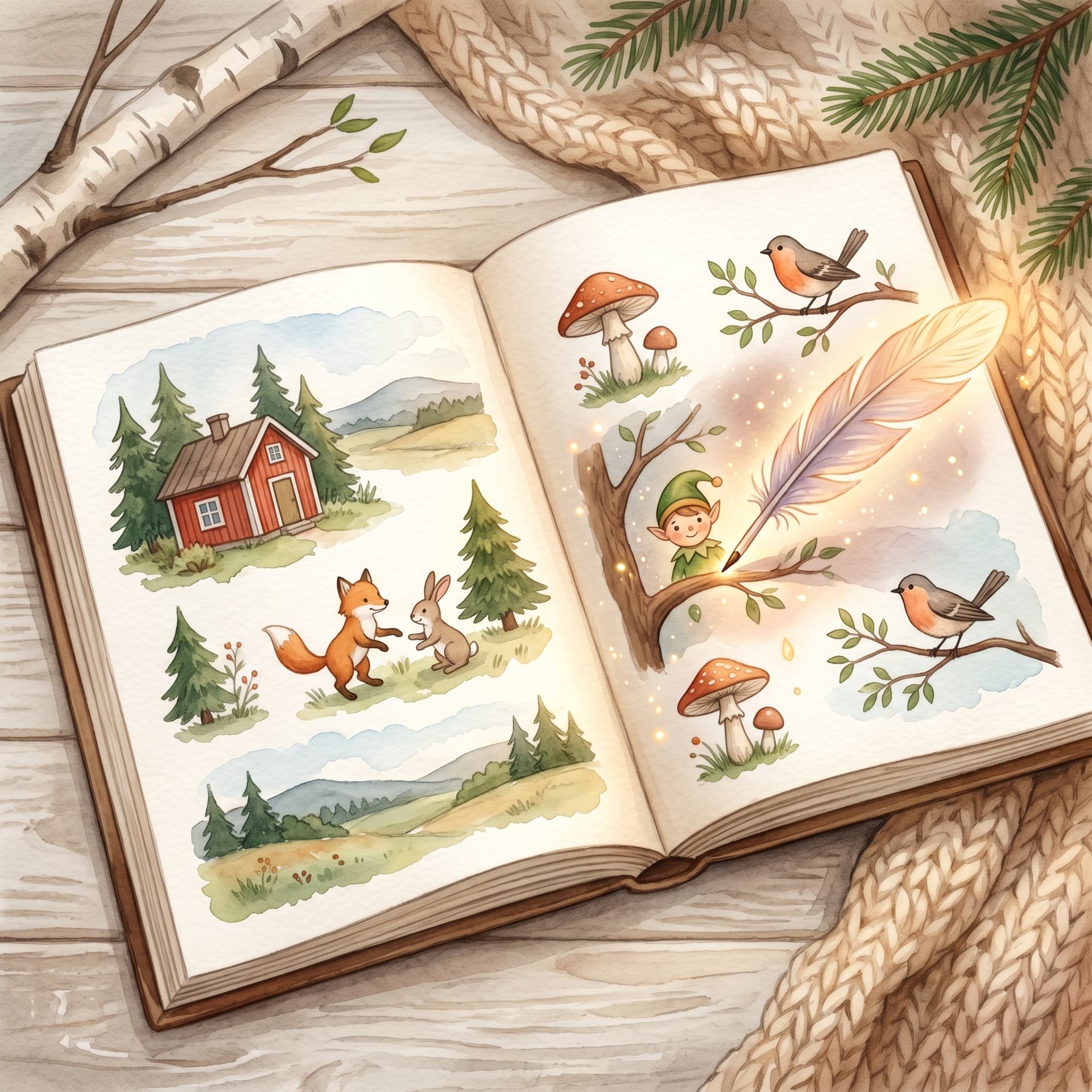
Upload a photo, create the first story and carry on with a cover, illustrations and a preview of the printed book.