
Manuscript & prompt
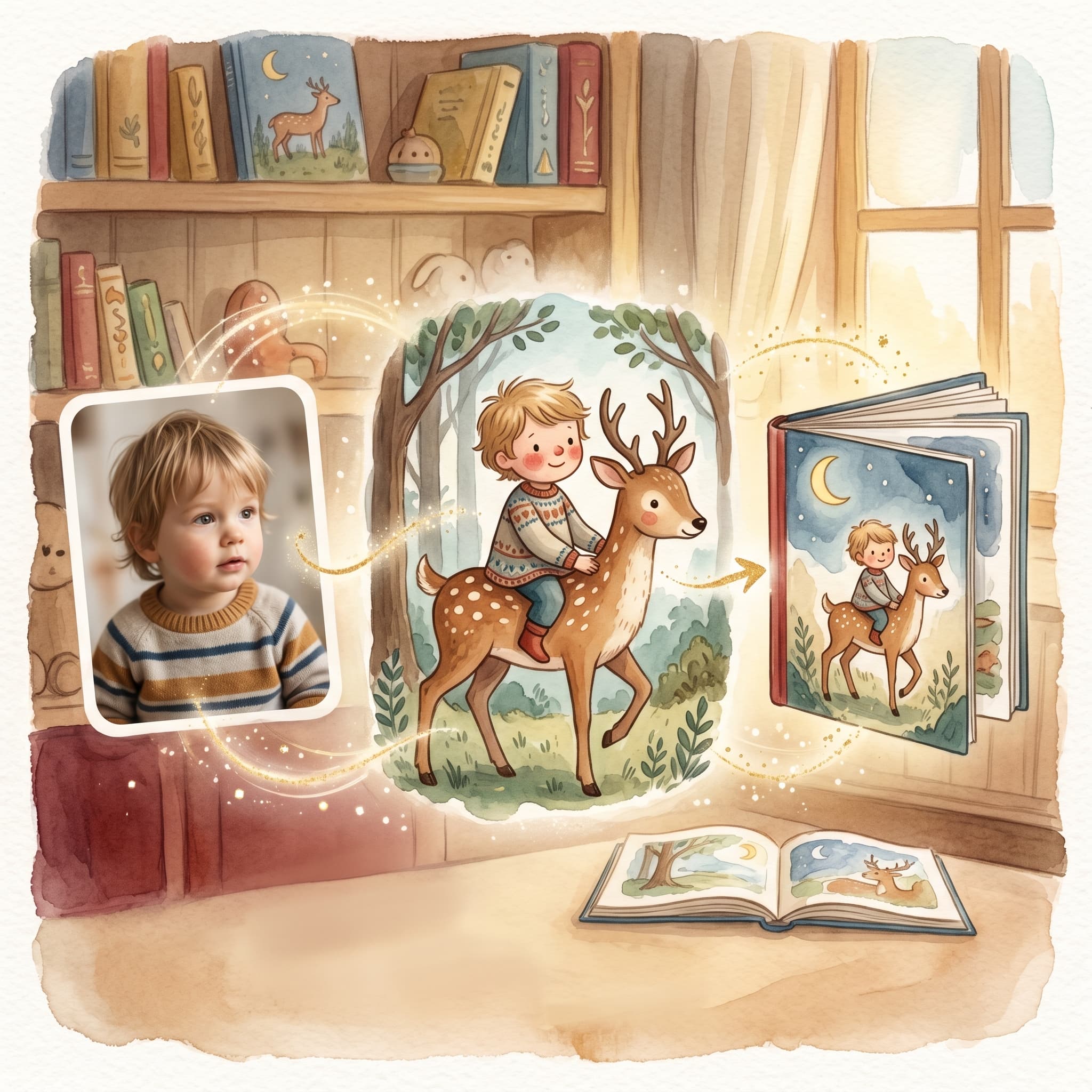
A complete walkthrough of barnbok.ai – from uploaded photo to downloaded PDF.
This guide follows the photo flow (/flow). If you prefer to start at Create → Own idea, you cast characters there (photo optional), choose reading age (0–2, 3–4, 5–6 or 7+ years) and tone on the same page, and skip Adjust.
For the photo flow you need a photo of the child (or a saved character if you have already created books) and a story idea. barnbok.ai handles the rest – analysis, manuscript, character images and page illustrations.
"Think of the flow as three phases: tell the story, approve the manuscript, illustrate the book."
Go to Create or Flow. Upload a clear photo where the child's face is visible. Write the child's name and a short story idea. Choose an illustration style – for example Nordic calm watercolor or Soft picture book.
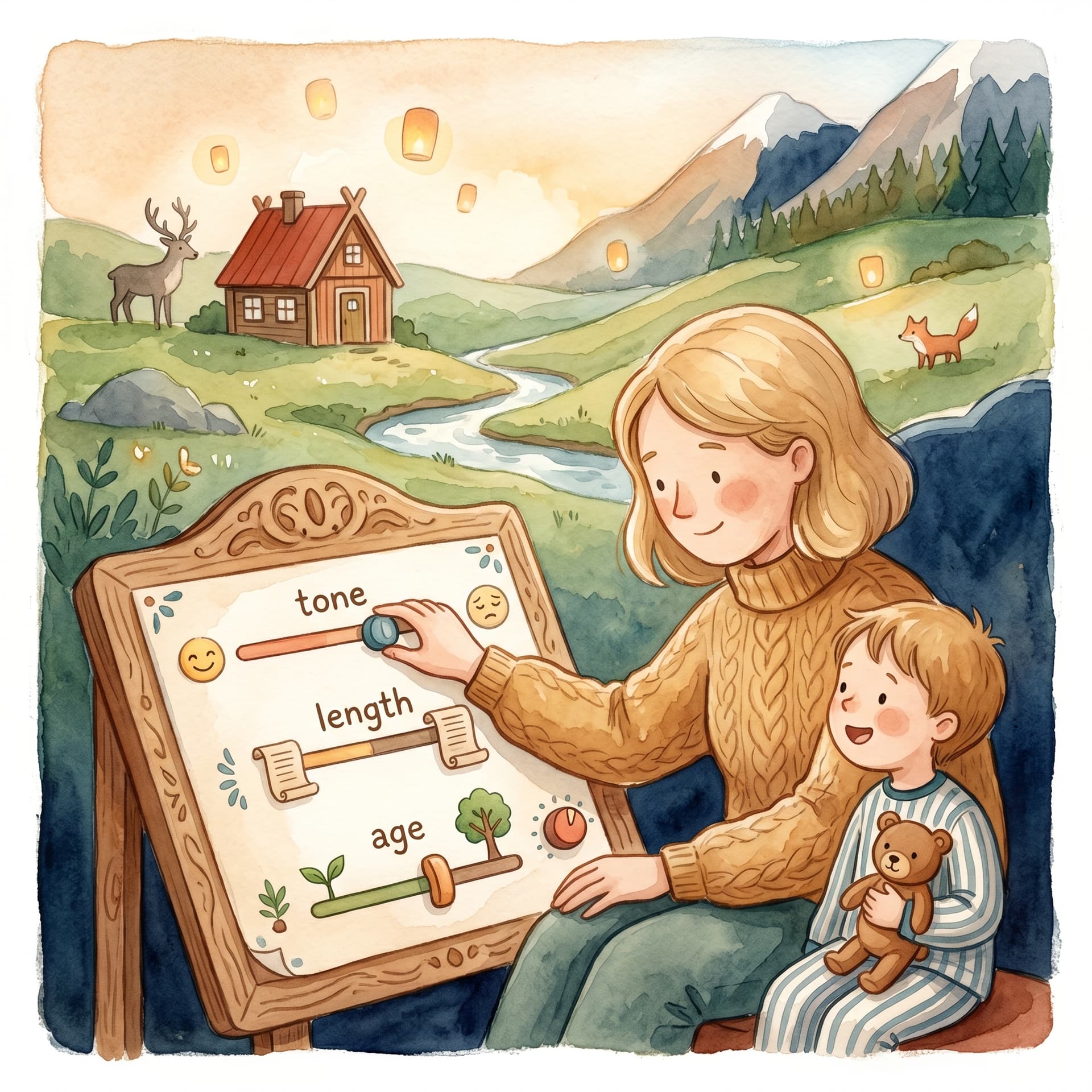
AI analyzes the image and suggests characters and a story brief. In Adjust you can:
When you are happy, the manuscript is generated.
In Manuscript you see every page. Here you can edit text by hand, update individual pages with an AI prompt, or polish the whole story. Also check the Characters tab – each figure gets a biography and a reference image before page illustrations start.
Log in if you have not already – illustration requires an account. Character portraits are generated automatically in the background. When every character has an image, click Continue to illustrate.
When the cover and every page have illustrations, the Download PDF button becomes available. The file is square (210×210 mm) – perfect to print at home or save digitally.
From photo to finished children's book you move through five clear steps. Take it at your pace, save the draft in the library and continue when you like – nothing disappears if you pause mid-illustration.
Fler guider om personliga barnböcker, manus och illustrationer.

Upload a photo, create the first story and carry on with a cover, illustrations and a preview of the printed book.