Home
Barnbok.ai
  • Home
  • Library
  • Pricing
  • Blog
Loading…
Home
Barnbok.ai
    • Home
    • Library
    • Pricing
    • Blog
    • Create book
    • Continue in the guide
    • Illustration queue
    • Story tokens
    • My profile
    • Log in
    • Create account
    • Create invitation card
    • Contact
    • About us
    • Privacy
    • Terms
How to cast your child in classics and template stories
Create a book

How to cast your child in classics and template stories

Little Red Riding Hood, Cinderella, cows on the farm and bedtime – cast your child with a photo or a saved character.

A finished manuscript – your child in the lead role

Under Create (/create) there are two shortcuts when you do not want to invent the whole story yourself: Classics and Template. Both come with finished manuscripts – you just cast the child as the main character.

"The {{BARN}} placeholder in the manuscript is automatically replaced with the child's name – the story becomes personal right away."

Classics

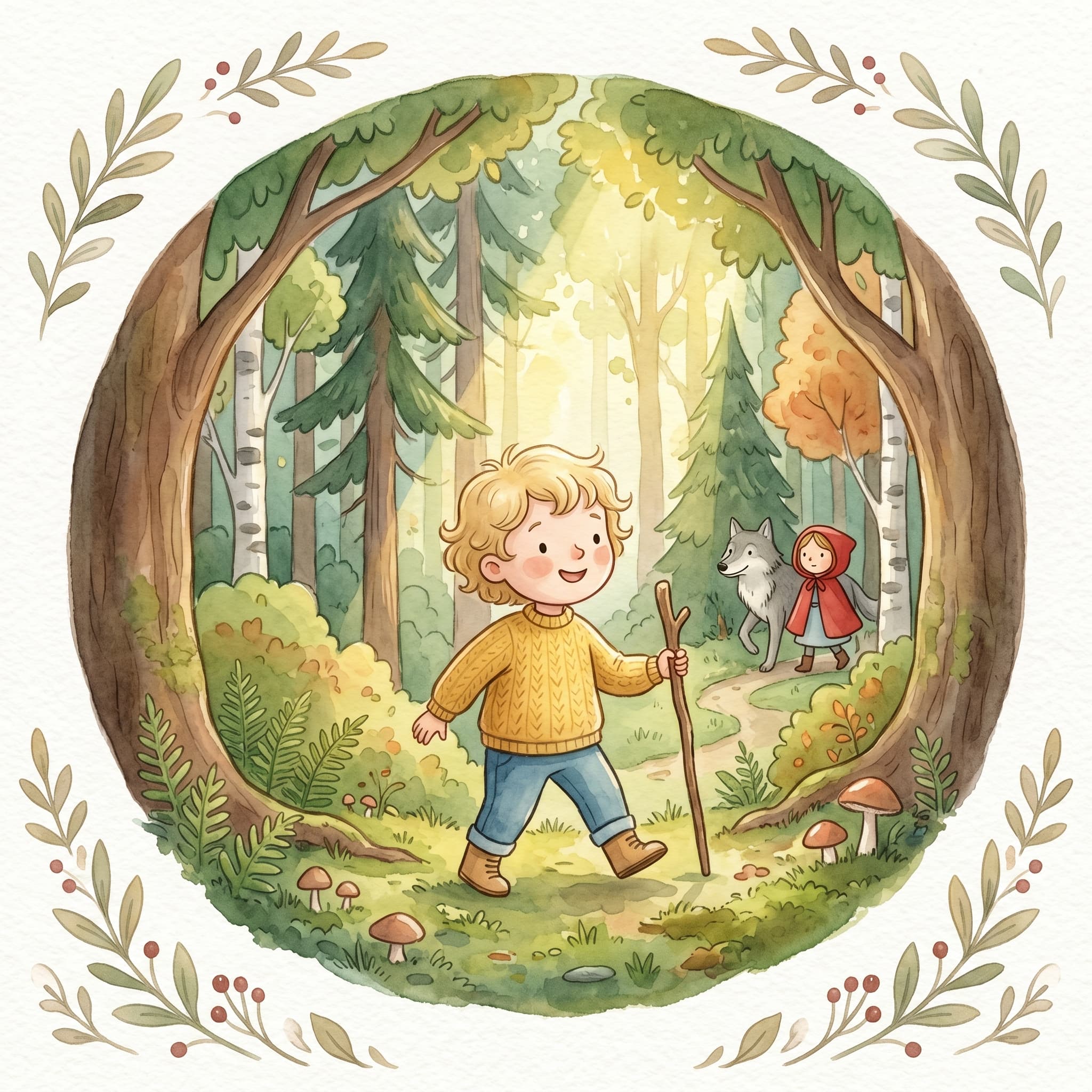
Choose among well-known tales inspired by Grimm:

  • Little Red Riding Hood
  • Cinderella
  • Three Billy Goats Gruff

Steps:

  1. Choose a story
  2. Choose AI illustrates, Own image or Saved character (signed in)
  3. Enter the child's name
  4. Choose an illustration style
  5. Click Continue – you land in the flow with the manuscript ready

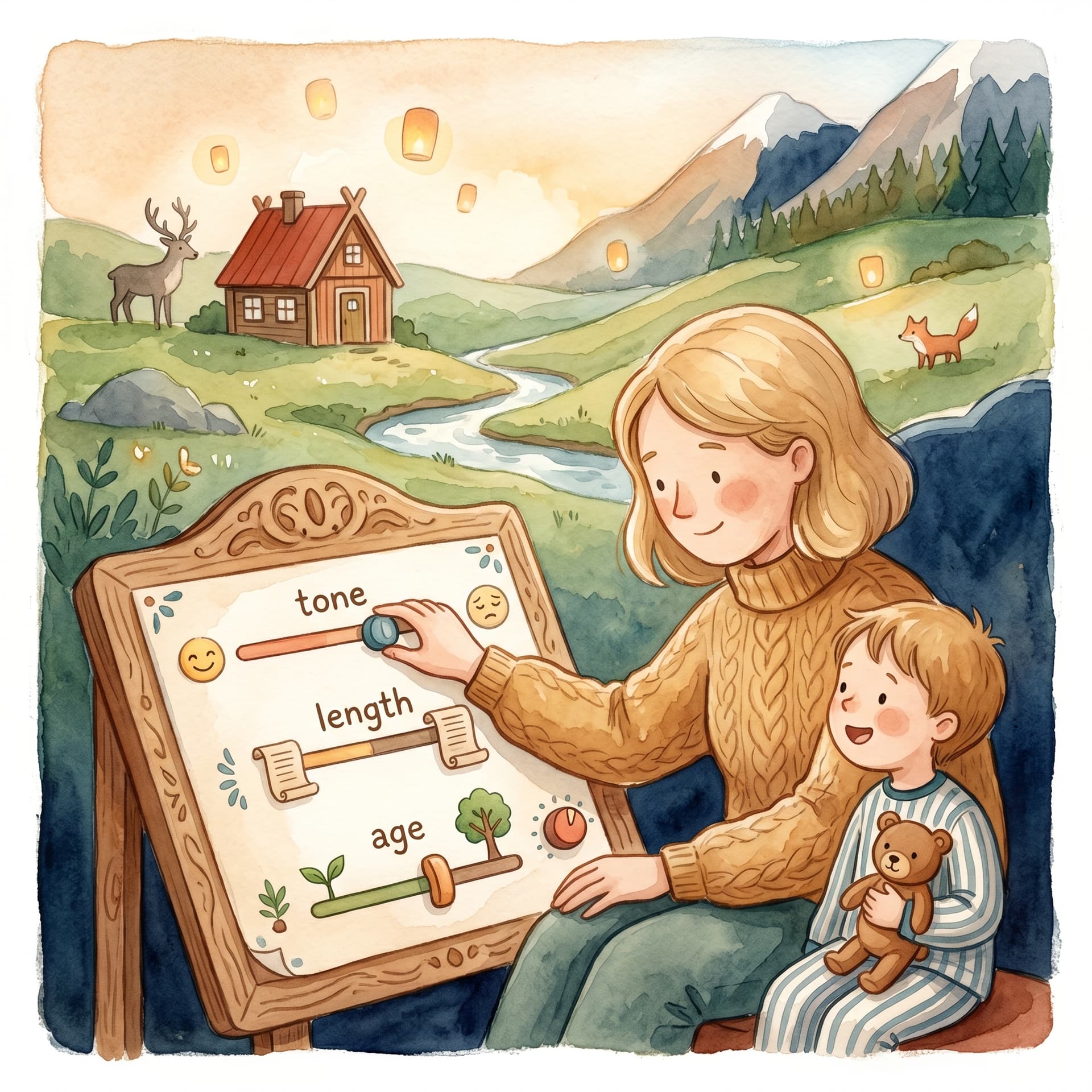
The flow skips analysis and story generation. You go straight to adjustment (if you want to fine-tune tone/length), manuscript review and illustration.

Template stories

Under the Template tab you will find saved template stories with a finished narrative – for example Cows Out on the Farm and Goodnight. The cast flow is identical to classics.

Template stories are a good fit when you want a cozy everyday tale without writing the premise yourself.

Saved characters in cast

Signed-in users see three choices per character: AI illustrates, Own image and Saved character. If you choose Saved character, a browse panel opens where you can search and pick among characters you have already created.

If name and style match, the character is also suggested automatically when you type in the name field — then you do not have to upload a photo again. You can change the name in the story afterwards (e.g. «Superbaby») without losing the saved illustration. The character must have an illustration in the selected style. After you pick one, the browse list is minimized; click Change character to choose another.

AI characters in the template can also be filled with saved illustrations if you have already created them.

The same cast UI applies on the Own idea tab when you build a story from scratch.

What happens next?

After cast:

  • The manuscript appears in the Manuscript step – read through and edit if needed
  • Character portraits are generated (the child + other figures)
  • Illustrate cover and pages as usual
  • Download the PDF when everything is ready

Conclusion

Classics and template stories are the fastest way to give your child a familiar tale in the lead role. Cast with AI, your own image or a saved character, choose a style – the rest is the same reliable flow as for your own ideas.

Dela artikeln

Relaterade artiklar

Fler guider om personliga barnböcker, manus och illustrationer.
Adjust the story before the manuscript is written
Manuscript & prompt

Adjust the story before the manuscript is written

Update the manuscript and individual pages with a prompt
Manuscript & prompt

Update the manuscript and individual pages with a prompt

Choose an illustration style for your children's book
Illustration

Choose an illustration style for your children's book

Ready to make your child the hero?

Upload a photo, create the first story and keep going with a cover, illustrations and a print preview.

Create a book
Barnbok.ai
Barnbok.ai

Studio:

Built for personal children's books and family stories

Contact:

hej@barnbok.ai

Product

  • Create a children's book
  • Story editor
  • Library
  • Pricing

Features

  • Character bios
  • AI illustrations
  • PDF export
  • Print-ready file

Company

  • About us
  • Contact
  • Blog
  • Privacy
  • Terms

© 2026 Barnbok.ai. All rights reserved.

  • Privacy
  • Terms