Manuscript & prompt
What happens to uploaded photos, manuscripts and illustrations when you create books on barnbok.ai?
When you create personal children's books, you upload photos of your child and write a unique manuscript. It is natural to wonder where the images are stored, who can see them and how they are used in AI generation.
On barnbok.ai:
"Personal children's books are built on trust – your family photos should be handled carefully and only used to create your book."
When you sign in, drafts, manuscripts and generated illustrations are stored in the cloud. That lets you:
Without signing in you can try writing a manuscript locally in the browser, but the book is not saved permanently and illustrations cannot be generated.
The reference photo is analyzed to understand age, appearance and character traits – so the illustrations resemble the child in the chosen style. The image is used as a reference for illustration, not as publicly shared content.
Tips for safer use:
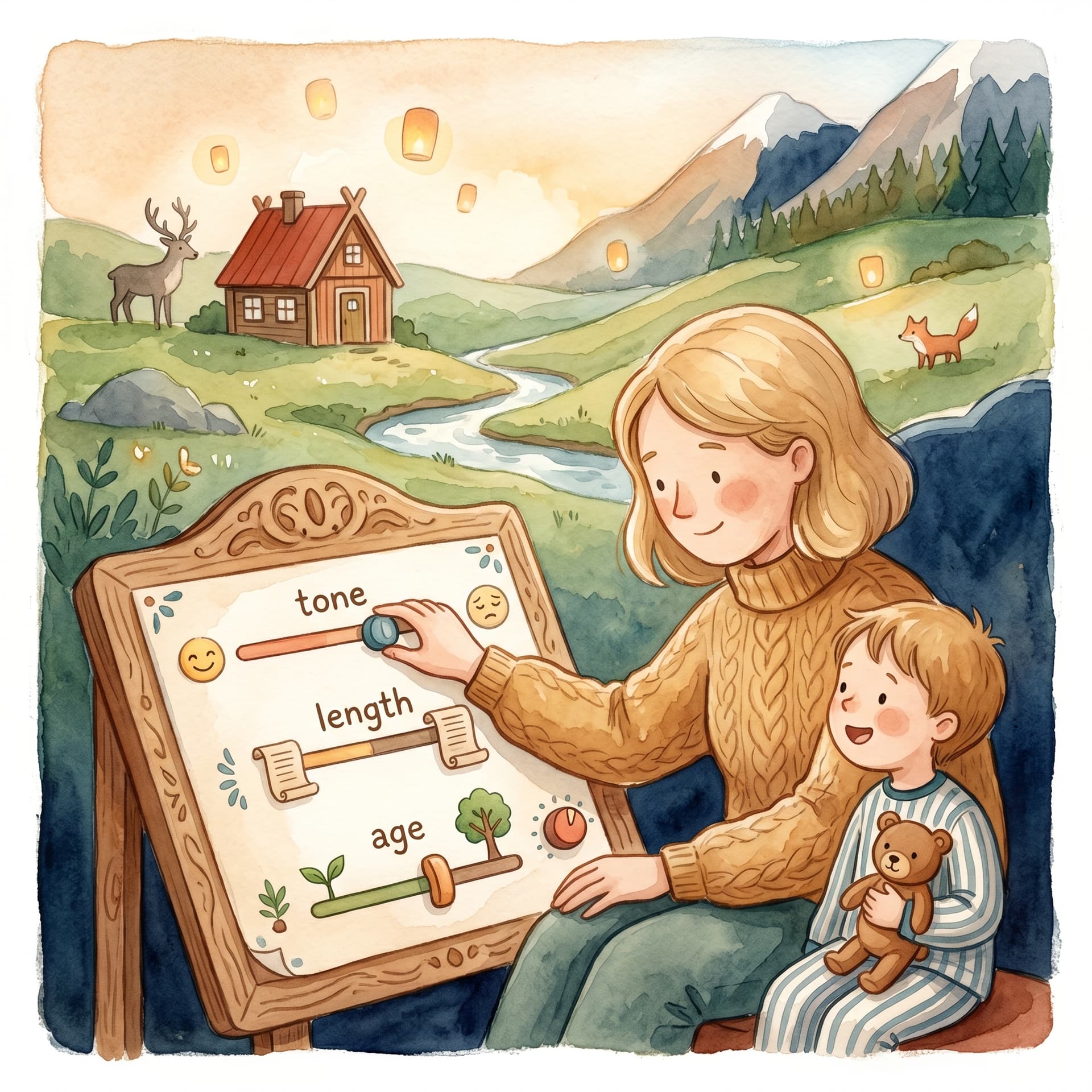
Barnbok.ai is built for stories for children. Choose reading age and tone in Adjust (photo flow) or already on the start page under Own idea (0–2, 3–4, 5–6 or 7+ years) so the manuscript is adapted. Always review the manuscript before you illustrate – you have full control to edit text and ask for rewrites.
Your photos and stories are used to create your book – not as general training material you share with other users. Sign in when you want to save, illustrate and download a PDF, and manage your books in the library whenever you like.
Fler guider om personliga barnböcker, manus och illustrationer.
Upload a photo, create the first story and carry on with a cover, illustrations and a preview of the printed book.