Home
Barnbok.ai
  • Home
  • Library
  • Pricing
  • Blog
Loading…
Home
Barnbok.ai
    • Home
    • Library
    • Pricing
    • Blog
    • Create book
    • Continue in the guide
    • Illustration queue
    • Story tokens
    • My profile
    • Log in
    • Create account
    • Create invitation card
    • Contact
    • About us
    • Privacy
    • Terms
Save and reuse characters across books
Characters

Save and reuse characters across books

How character illustrations are saved automatically and how you use them in new stories.

Characters that travel with you

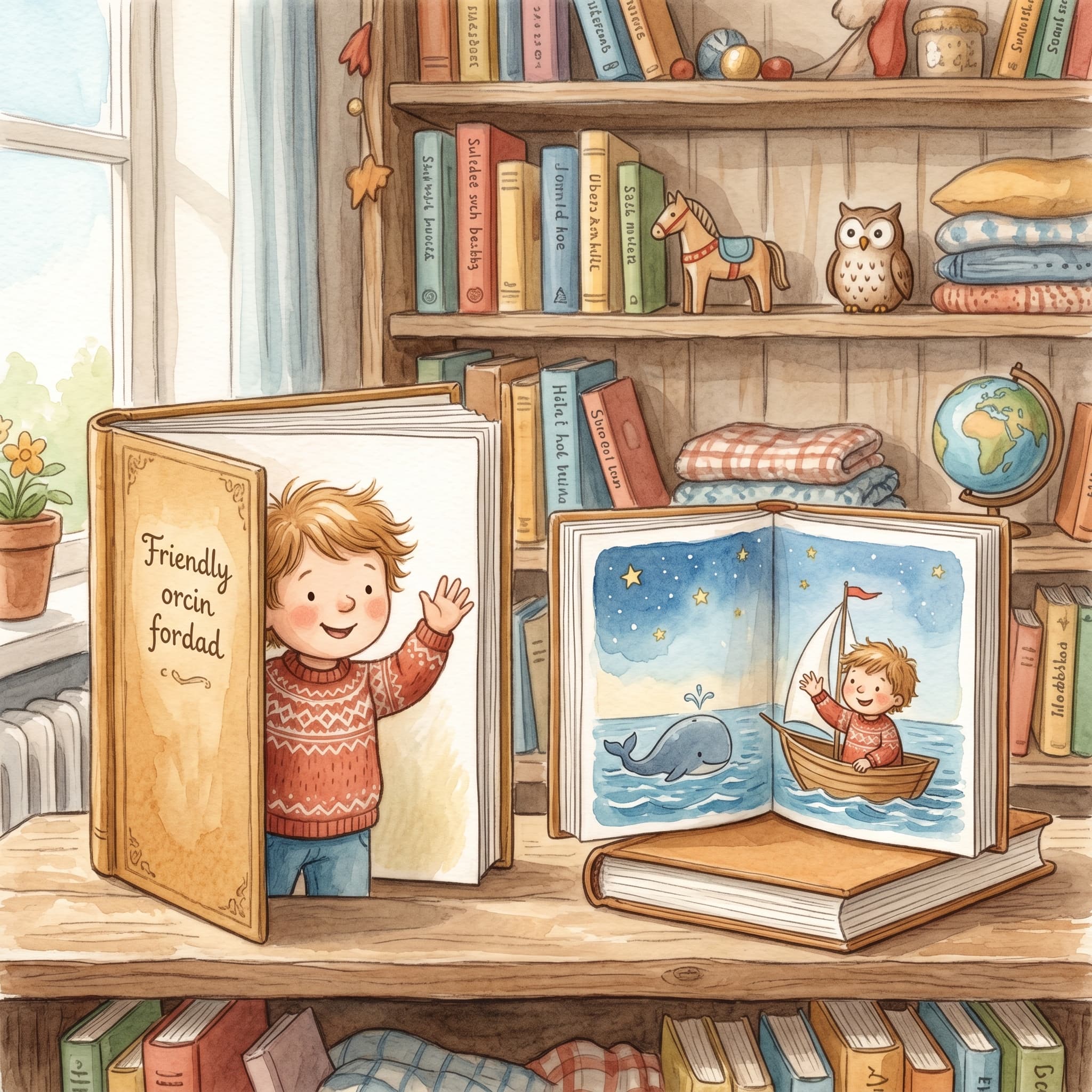
Every time barnbok.ai illustrates a character in your book flow, it can be saved to your profile. That means siblings, friends or favorite figures can appear again in new stories – with the same look in the same style.

"Saved characters save time: do not upload the same photo over and over when the child is joining a new story."

Automatic saving

When a character image is ready in the Manuscript → Characters step, it is saved to Profile → Saved characters. You do not need to do anything extra – it happens in the background after illustration.

In the profile you see:

  • Characters grouped by name
  • Several variants under the same name (different styles or updates)
  • Which illustration style applies
  • An optional reference photo

Reuse in a new book

When you create a new book via Create and are signed in, you see the same three cast choices on every tab (Classics, Template and Own idea):

  • AI illustrates — a portrait is created from name and story
  • Own image — upload or paste a reference photo
  • Saved character — browse and search among saved characters in the selected style

The system also matches on name and style:

  • If you type the same name as a saved character in the right style, it is suggested in the name field
  • You can pick the character by hand in the browse panel when Saved character is selected
  • The name in the story can differ from the profile name — e.g. saved «Jan-Erik», called «Superbaby» in the book (same illustration)

Important: the character must have an illustration in the style you have chosen for the current book. Otherwise you get a clear message and need to create the character image in the right style first.

Manage saved characters

In the profile you can remove a variant you no longer want to keep. It does not affect books you have already created – only future choices in the cast flow.

Conclusion

Saved characters turn barnbok.ai into a reusable storytelling tool for the family. Illustrate once – use the same child, sibling or pet in classics, template stories and Own idea from then on.

Dela artikeln

Relaterade artiklar

Fler guider om personliga barnböcker, manus och illustrationer.
Adjust the story before the manuscript is written
Manuscript & prompt

Adjust the story before the manuscript is written

Update the manuscript and individual pages with a prompt
Manuscript & prompt

Update the manuscript and individual pages with a prompt

Choose an illustration style for your children's book
Illustration

Choose an illustration style for your children's book

Ready to make your child the hero?

Upload a photo, create the first story and keep going with a cover, illustrations and a print preview.

Create a book
Barnbok.ai
Barnbok.ai

Studio:

Built for personal children's books and family stories

Contact:

hej@barnbok.ai

Product

  • Create a children's book
  • Story editor
  • Library
  • Pricing

Features

  • Character bios
  • AI illustrations
  • PDF export
  • Print-ready file

Company

  • About us
  • Contact
  • Blog
  • Privacy
  • Terms

© 2026 Barnbok.ai. All rights reserved.

  • Privacy
  • Terms