
Manuscript & prompt
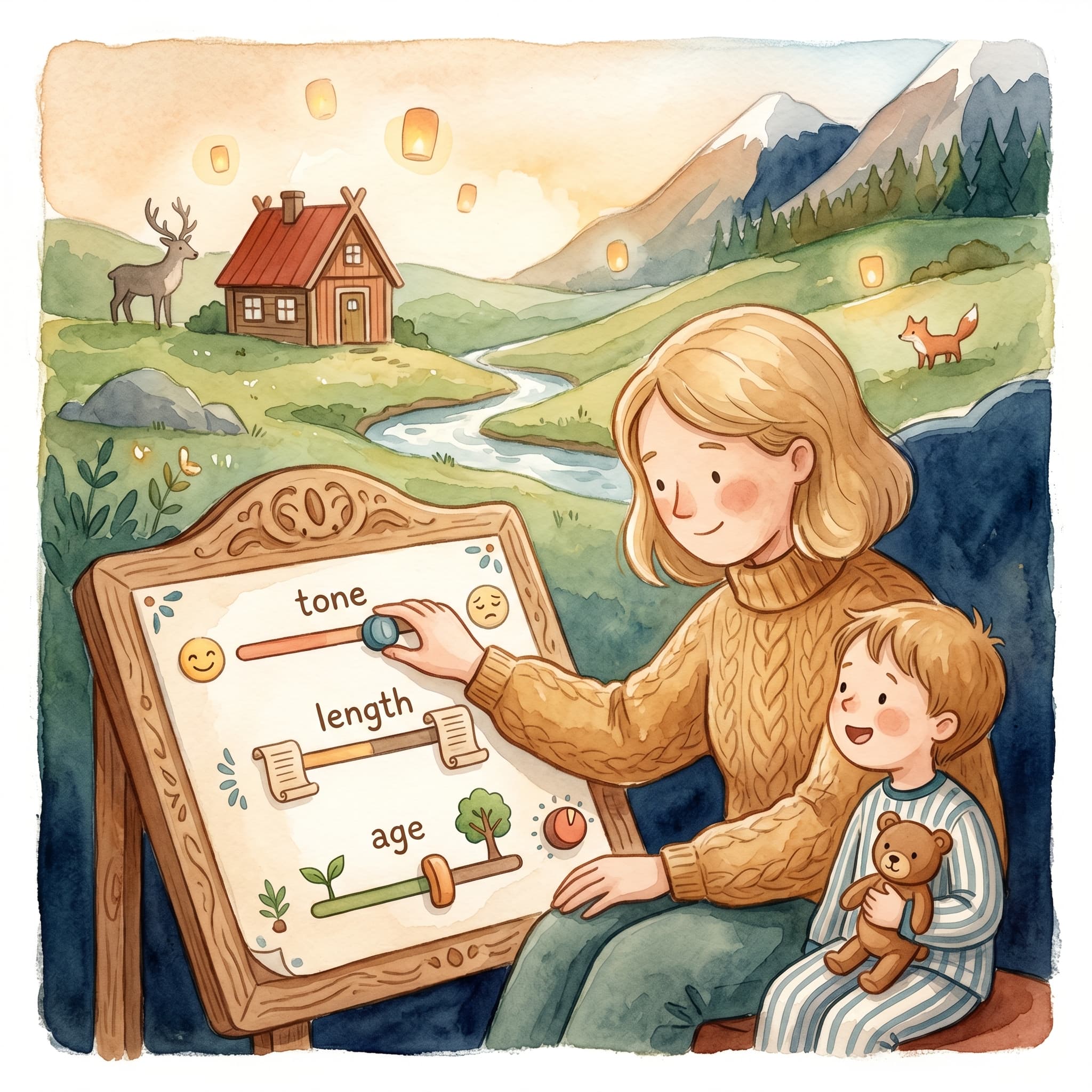
Analysis, reading age, premise and style – how you shape the story in the Adjust step before AI writes the manuscript.
After AI has analyzed your photo, you land in Adjust – four tabs where you shape the story before the manuscript is generated. This step is worth not rushing through.
Note: Applies to the photo flow (
/flow). On Create → Own idea you choose reading age, tone and cast on the start page — then Adjust is skipped.
"Five minutes in Adjust can save half an hour of rewrites in the manuscript step."
Here you see the AI's reading of the image – age, characters and story brief. Something off? Edit it right away. A correct analysis leads to better premise suggestions and a better manuscript.
Control the story's basic settings:
The same controls appear later in the manuscript step if you want to adjust afterwards.
AI suggests several versions of how the story could begin and develop. You can:
The premise is the skeleton the manuscript is built on – choose the one that feels most like "yours".
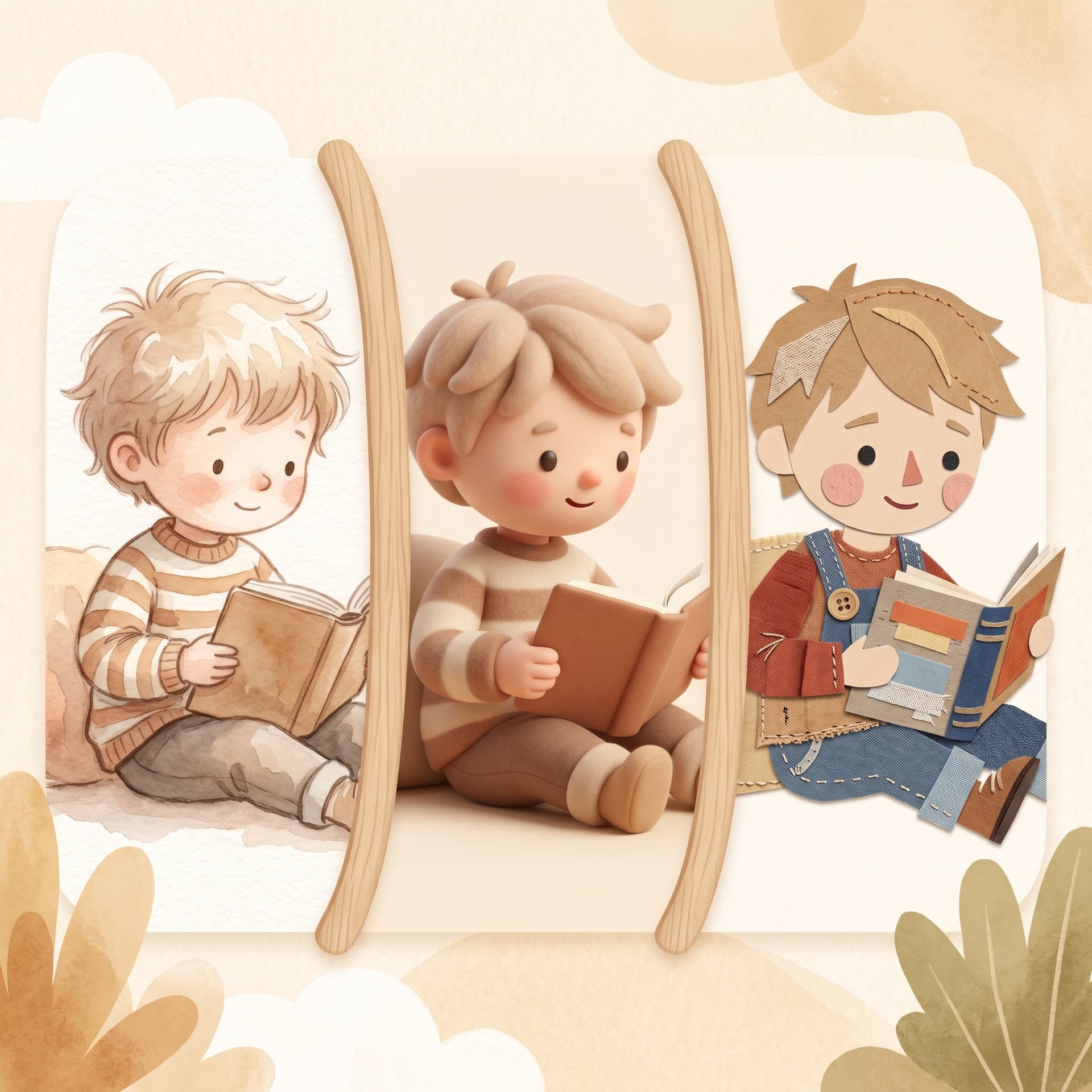
Choose among ten illustration styles – from Nordic calm watercolor to Board book and Early reader. The style is locked for character and page illustrations in this book.
If you change style later, saved characters may need a new illustration in the new style.
If you have already generated a manuscript but want to start over from a different idea, you can go back and choose New premise. It requires confirmation – the manuscript and all illustrations are removed. Use it when you truly want a completely new story.
The Adjust step is your chance to steer the story before the first line is written. Review the analysis, set tone and length, pick premise and style – then you can trust that the manuscript lands close to what you had in mind.
Fler guider om personliga barnböcker, manus och illustrationer.

Upload a photo, create the first story and carry on with a cover, illustrations and a preview of the printed book.